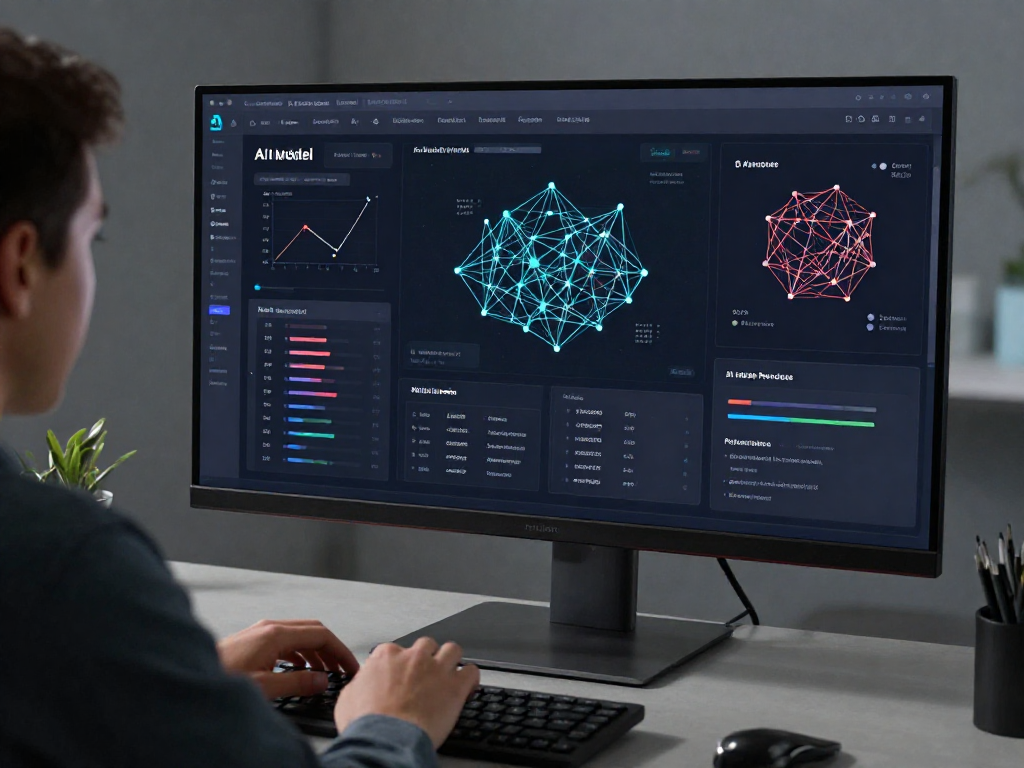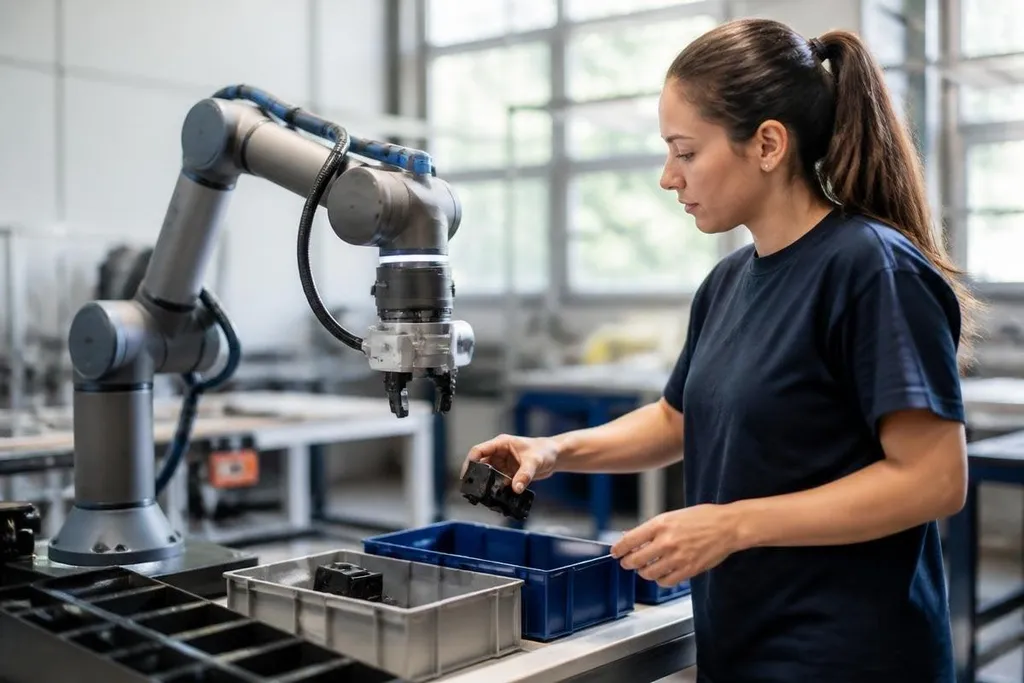
A collaborative robot, or cobot, can work near people without a fixed safety fence. AI changes how that robot sees a task, chooses a motion, and reacts when the work area changes.
Quick read
- Cameras and other sensors give the cobot more information about objects and people.
- AI can reduce the amount of hand-written robot code for some tasks.
- Safety checks still depend on tested limits, sensors, and human supervision.
From fixed steps to changing tasks
A traditional cobot program follows set points and rules. It moves to a known position, closes its gripper, and repeats the same sequence. That works well when each part arrives in the same place every time.
AI lets the cobot work with less certainty. A camera can identify an object, estimate its position, and send that information to the control software. The cobot can then change its path instead of stopping because the part sits a few centimetres away from its expected position.
That shift matters on a small production line. A team may need to handle several part types during one shift, yet changing the robot program by hand takes time. AI can help the cobot sort the parts and choose the matching motion, provided the system has seen enough examples and the task has clear limits.
Ordinary control software still sits beneath the AI. Motors need speed and torque commands, sensors need checks, and the arm must stay inside its reach and load limits. AI chooses or adjusts actions; it doesn't remove the mechanical rules.
How the robot learns a task
One method is learning from demonstration. A technician guides the arm through a motion, and software records the path and the forces used during the task. The system can then build a motion that follows the same goal without copying every small movement.
This can cut setup work for tasks such as placing parts, loading a fixture, or checking a surface. The result depends on the quality of the examples. A demonstration with a poor grip, a blocked view, or an unsafe arm position can teach the wrong behavior.
AI can also help the cobot read sensor data during the task. Force sensors in the wrist may show that a part has reached a stop. Vision data may show that an object has shifted. The control system can slow the arm, change its path, or ask a person to take over.
For a technician, this means testing the full range of normal variation. The useful question is not whether the cobot completes one clean run. It is whether the same program handles a bent part, a dark surface, a blocked camera view, and a person entering the work area.
Where the limits remain
AI does not turn a cobot into a general worker. A system trained for one task may perform poorly when the object, lighting, tool, or workspace changes. The maker also needs to explain what the system can detect and what happens when its confidence drops.
Safety needs a separate check. A vision model can miss a hand, while a force sensor can react after contact has started. Speed limits, protective stops, workspace rules, and risk checks still matter because a smooth robot motion can remain unsafe.
The data raises another problem. A company needs examples from its real parts and real work area. Data from a clean test bench may not cover dust, glare, worn tools, loose packaging, or a crowded station. A short pilot can hide those gaps.
A claim about less programming still needs a named cobot, task, site, or test date. Robot24.com's robotics reporting places those details beside the claim, giving the price comparison a sound starting point.
Cost also needs a clear test. AI software may reduce programming work, but a camera, computer, sensor package, training process, or service contract can add expense. The right comparison is the full setup against the hours a technician spends programming and checking the task.
I'd choose AI features when the task changes often and the company can test the system with real parts. For a fixed job with known positions, ordinary cobot programming may be easier to check and cheaper to run.
A practical buying checklist
Before adding AI to a cobot cell, check these points:
- Define the task: List the objects, tools, motions, and changes the robot must handle.
- Test the sensors: Run the system under the real lighting, surface, noise, and camera angles.
- Set a failure action: Decide when the cobot stops, slows, or asks a person to take over.
- Measure setup work: Record programming, training, checks, and changes for one complete task.
- Check the data plan: Confirm who stores the examples, where they run, and how staff can remove bad data.
- Review the cell: Recheck reach, payload, pinch points, emergency stops, and access routes after installation.
The next useful proof is a long run with real parts and normal faults. If the cobot keeps its task success rate while people work beside it, the AI has earned a place in the cell.